 Volume Assist
Assistive volume control for Android
Volume buttons that are easy to press.
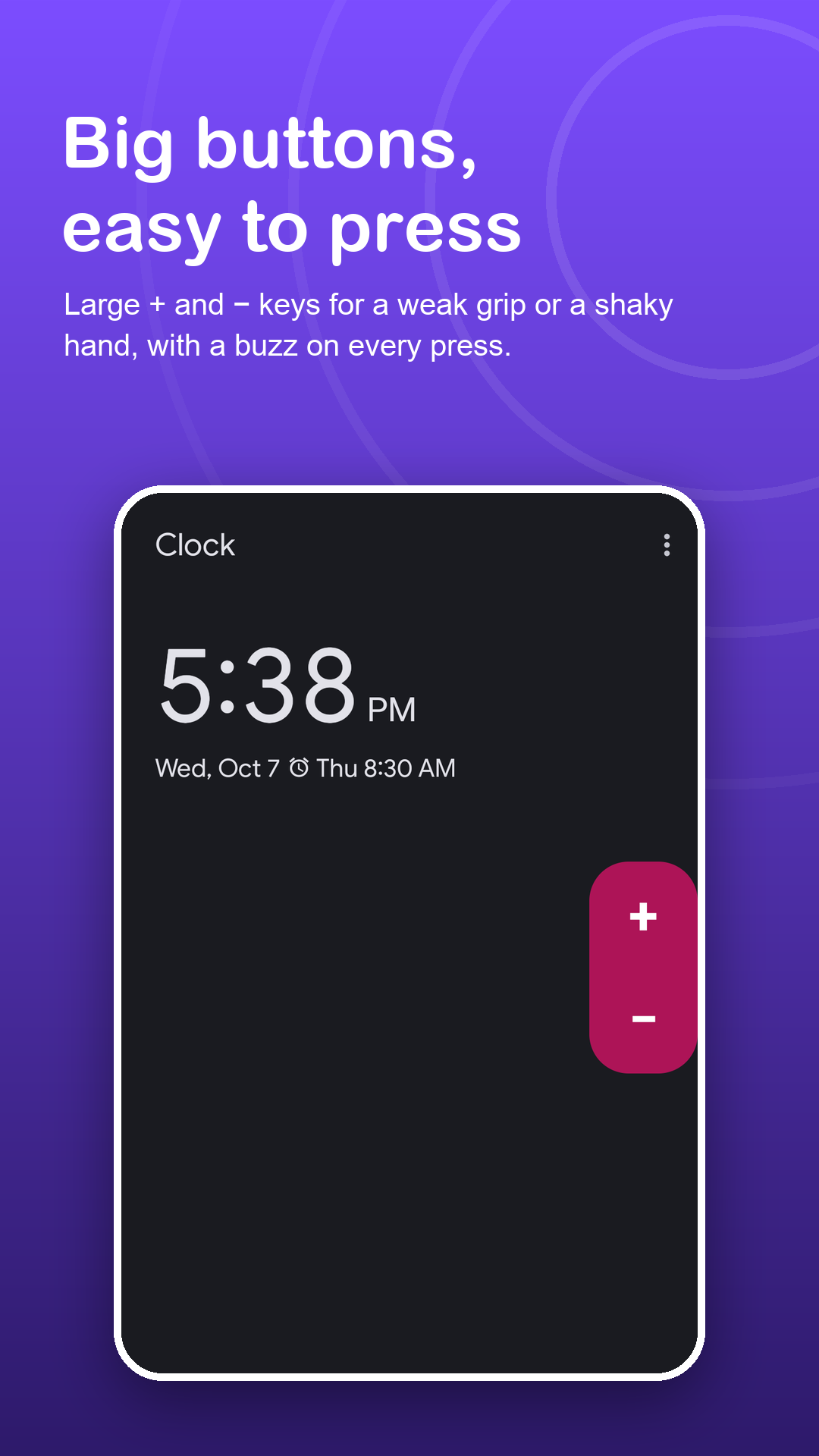
Small side keys can be hard to feel, reach or push. Volume Assist puts clear + and − buttons on the screen, as big as you need, where a light tap is enough.
Free · Android 7.0+ · no accessibility service
Screenshots
Bigger, clearer, closer to your thumb.
How it works
Set it up once, use it every day.
Switch the buttons on
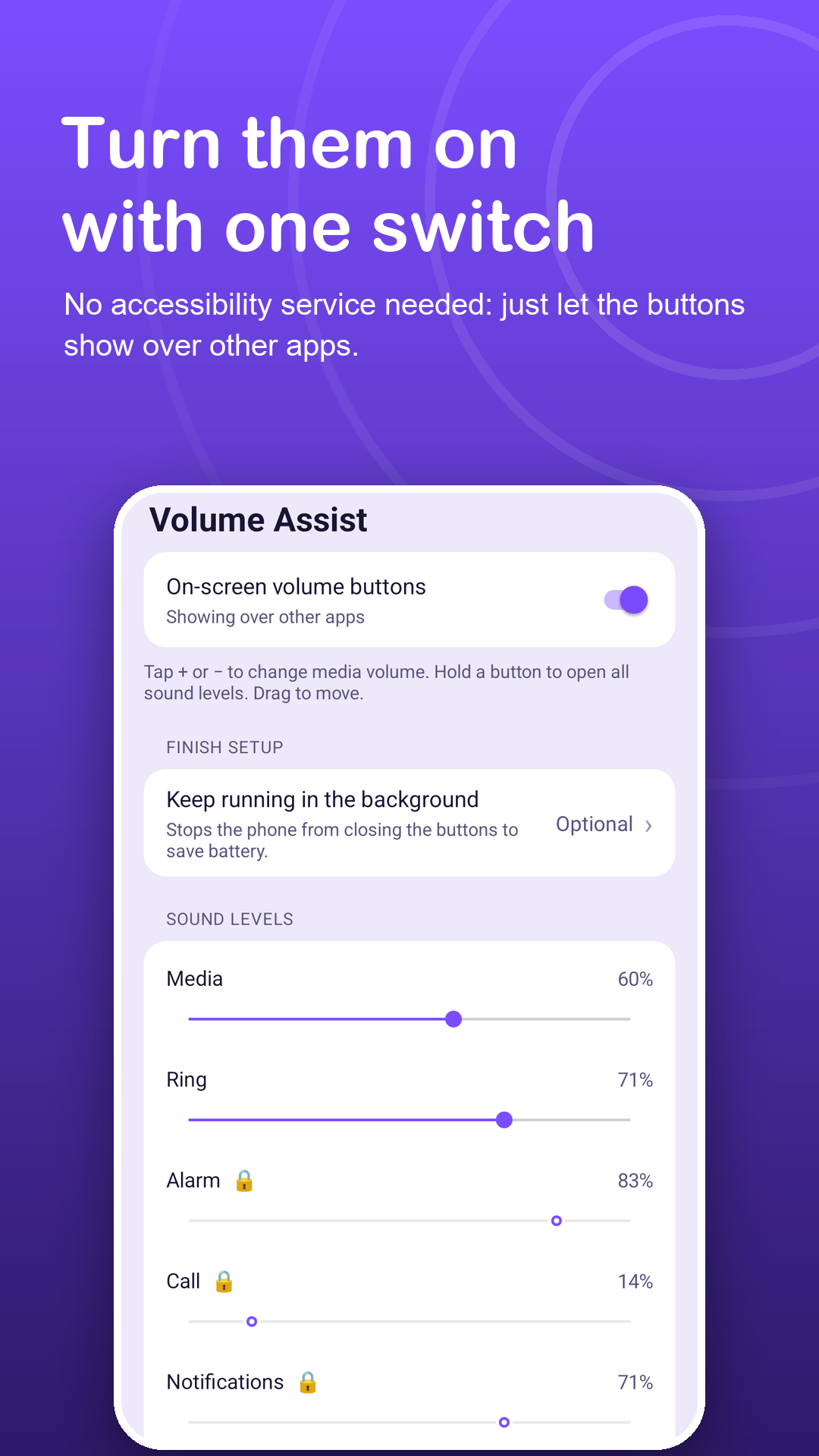
Allow Display over other apps and two floating buttons appear at the side of the screen.
Make them comfortable
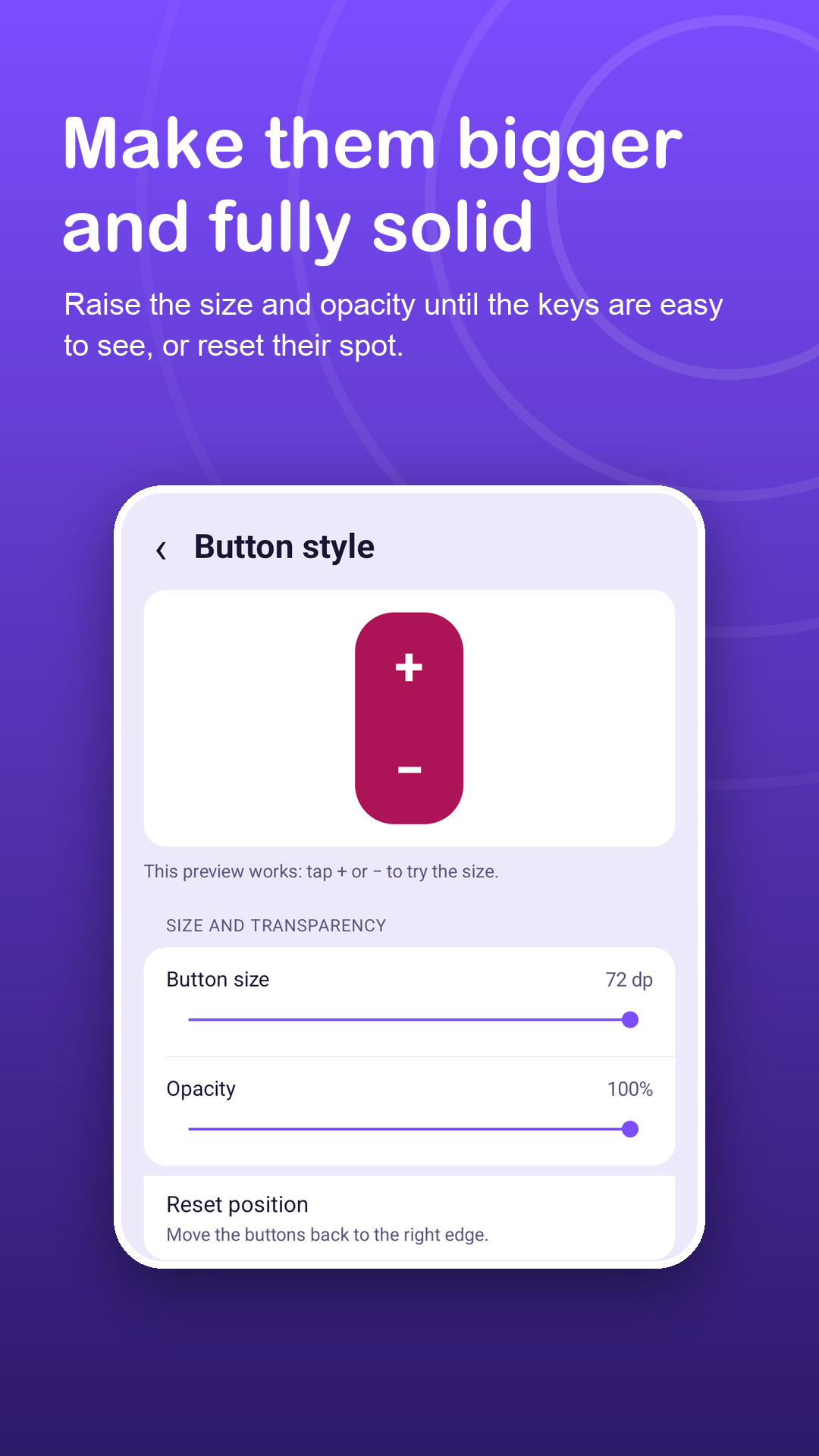
Raise the size and opacity, pick a row or a column, and drag them where your thumb rests.
Tap or hold
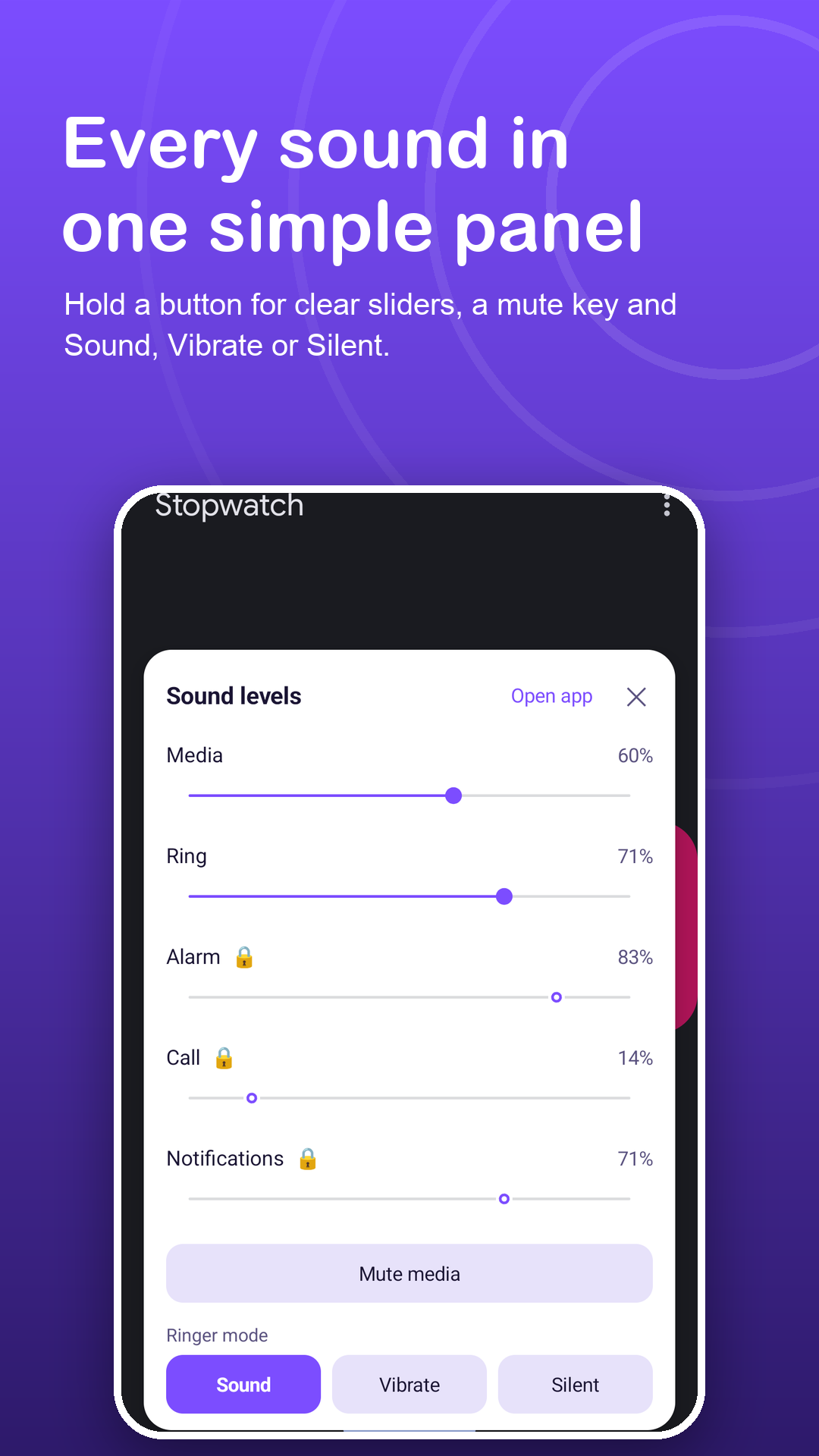
A tap changes media volume one step. Holding a button opens sliders, media mute and ringer mode.
Features
Made for hands that find side keys hard.
Easy to hit
Choose a larger button size and stronger opacity so the keys are easy to see and press.
Feel each press
A short vibration confirms every tap, and Android's own volume bar can show the level. Both are optional.
No digging in Settings
Media and ring sliders, media mute and ringer mode are free. Premium adds alarm, call and notification sliders.
Stays where you put it
The position is remembered after rotating. Reset position brings the buttons back to the right edge.
Set up for a relative
Let the buttons start after a restart, so nobody has to open the app again.
Other ways in
A notification with −, + and Show/Hide, a Quick Settings tile and a home-screen widget for media volume.
Privacy
Assistive, without the Accessibility API.
Despite the name, Volume Assist uses no accessibility service, needs no account and never reads your screen. Do Not Disturb access is requested only if Silent is chosen. Read the privacy policy.
FAQ
Fair questions.
Can I make the buttons bigger?
Yes. Set the button size and opacity in Button style, and choose a vertical or horizontal layout.
Is it suitable for an older parent?
It was made with that in mind: large, clear buttons placed near the thumb, an optional vibration on each press, and the buttons can come back by themselves after a restart.
Does Volume Assist use the Accessibility API?
No. It only uses Display over other apps to draw the buttons, and it never reads your screen.
Can it make sound louder than normal?
No. It changes the normal system volume and stops at the phone's maximum.
Why does Silent need Do Not Disturb access?
Android treats Silent as a Do Not Disturb change, so the app asks only when Silent is chosen. Sound and Vibrate never need it.
What is free and what is Premium?
The buttons, size, opacity, layout, mute button, media and ring sliders, ringer mode, auto-hide, notification, tile and widget are free. Premium removes ads and adds alarm, call and notification sliders and six extra colors.